2011-2013 Jeep Grand Cherokee Radio Upgrade: Fitment & Fixes
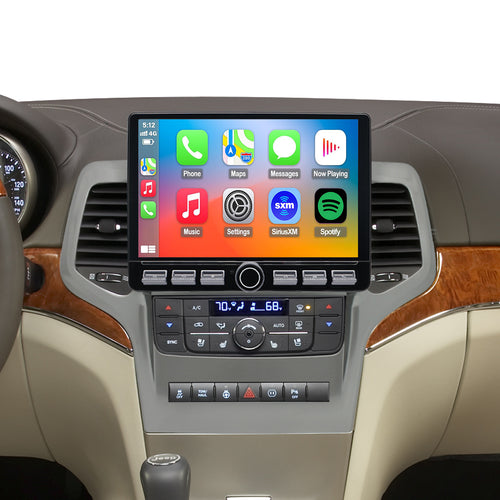
Shop the matching unit: Jeep Grand Cherokee 2008-2013 9-inch QLED radio upgrade.
The 2011–2013 Grand Cherokee has a good dash and one outdated part: the Uconnect screen. Here is what a full teardown actually reveals, and what to check before and after you swap it.
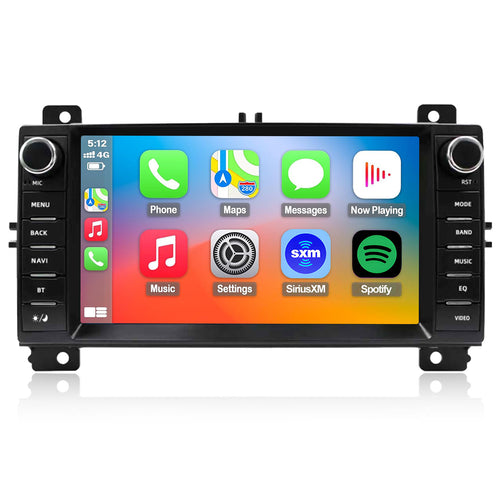
 Fig 1 — The 9-inch replacement head unit, unboxed.
The dash is three systems, not one
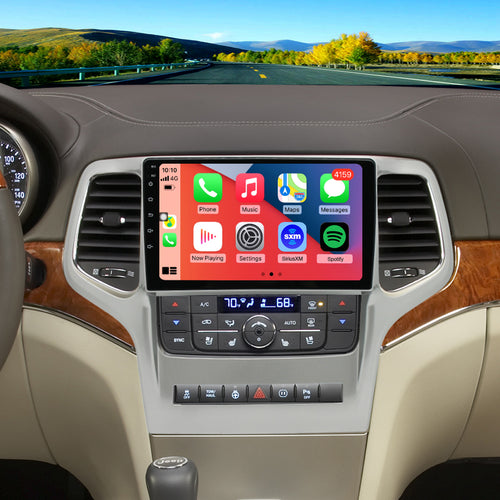
 Fig 2 — Factory Uconnect booted: screen, hard keys, and the separate climate panel below.
| Layer | Replaced? |
| Uconnect head unit (screen + RADIO/MEDIA/VOLUME/MENU/AUDIO/PHONE keys) | Yes |
| Chrome vertical vents beside the screen | No — reused |
| Dual-zone A/C panel below | No — stays in the car and keeps working |
This is why “no climate control after install” is a wiring symptom, not a missing module.
What the teardown shows
 Fig 3 — The first pry point is the trim edge, not the screen bezel.
 Fig 4 — Clips release progressively; no tool force is needed.
 Fig 5 — The whole stack comes forward once every clip and fastener is free.
 Fig 6 — A fastener sits deep inside, invisible until the trim is out.
 Fig 7 — Harness is bundled in grey cloth tape and must be freed before mating the adapter.
Five facts nobody puts on a spec sheet: the pry starts at the trim edge; there is a hidden fastener deep in the stack; the factory loom is taped, not plug-ready; the climate cluster unclips and is set aside, never disconnected from service; and the new unit is powered up outside the cavity before anything is bolted in.
 Fig 8 — Bench-tested in the cavity first: map screen live before final fitment.
 Fig 9 — The yellow RCA is the backup camera input — the connection most often missed.
 Fig 10 — Reverse view with green trajectory overlay.
 Fig 11 — Reassembled, music player running.
After install: four symptoms, four checks
| Symptom | Check first |
| Screen on, no sound | Amp RCA path, then CANBUS box seating |
| Steering wheel buttons dead | CAN box plugged in; correct vehicle profile selected |
| Black screen in reverse | Yellow RCA at the head unit, then camera power at the tailgate |
| Odd climate readings | CAN harness and vehicle profile — the panel itself is fine |
Maps not refreshing is not a fault: live traffic needs the built-in 4G LTE module, which starts at the 4GB version.
Stock vs. upgrade
| Factory Uconnect | 9-inch QLED | |
| Screen | Older panel, low resolution | 9-inch QLED, sun-readable |
| Phone | Bluetooth only | Wireless CarPlay / Android Auto |
| Navigation | Aging embedded maps | Google Maps, Play Store, live traffic on 4G |
| Camera | Small factory view | Factory camera retained, full 9-inch view |
| Install | — | Plug-and-play harness, CANBUS box, dash frame kit included |
It does not turn a WK2 into a 2026 SUV. It fixes the one thing that dates the interior.
Full specs, version comparison, and year confirmation: For Jeep Grand Cherokee 2008-2013 Radio Upgrade, 9-inch QLED.